


Designer Knowledge Base
Frequently asked questions about Designer: How to download market data to the program? How and where to specify an instrument for strategy backtesting? How to create a condition in the strategy? Compo...
Previously, we have already discussed various trading methods that can be used when trading, in order to increase its profitability. For most traders, following the trend is a sign of the correct appr...
Good afternoon. We continue to talk about StockSharp's products, and in past articles we have analyzed the S#.Designer trading robot constructor, as well as the S#.Shell graphical framework, which hel...
More recently, we have reviewed a program such as Shell and the API library. Of course, mastering the skills of programming trading strategies opens up huge horizons for the user not only as a trader,...
Stop-Loss-a type of order whose task is to set limits on possible trading losses. This order is used automatically using automated trading systems, which we will discuss later. The essence is very sim...
Creating a strategy in the Designer program. Let’s discuss an example of creating a trading strategy in a program based on the MACD indicator values. The indicator’s goal is as follows: If the MACD in...
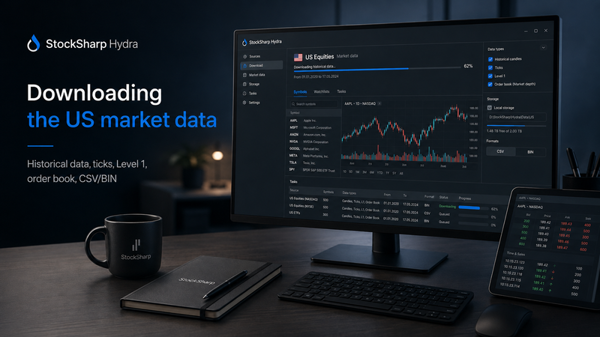
In order to download market data to the Designer program for testing a trading strategy, you need to do the following: 1.Run the program. 1.png Select the Market Data section in the top menu and click...
image3979.png In this paper, I will show how to use graphic components included in S#.API, in order to create a fully-featured application of the S#.Shell: You will learn how to make a professional-le...